How to make an emoji QR code
- Enter a URL or text.
- Search or browse the emoji library and choose an emoji.
- Adjust colors, module shapes, background, or frame.
- Test the finished code, then download SVG or PNG.
Keep emoji QR codes scannable
PlanQR centers the emoji and automatically uses high error correction when an overlay is present. Keep a clear quiet zone around the code, preserve strong foreground-to-background contrast, and always test the final artwork at its intended print size.
Ideas for emoji QR codes
Use a plate or drink on a menu, a calendar or party face for an event, a speech bubble for feedback, a heart for a social profile, an envelope for a mailing list signup, or a box and shopping bag on product packaging. Choose an emoji that reinforces the intended action.
-

Menu
See tonight’s specials
-
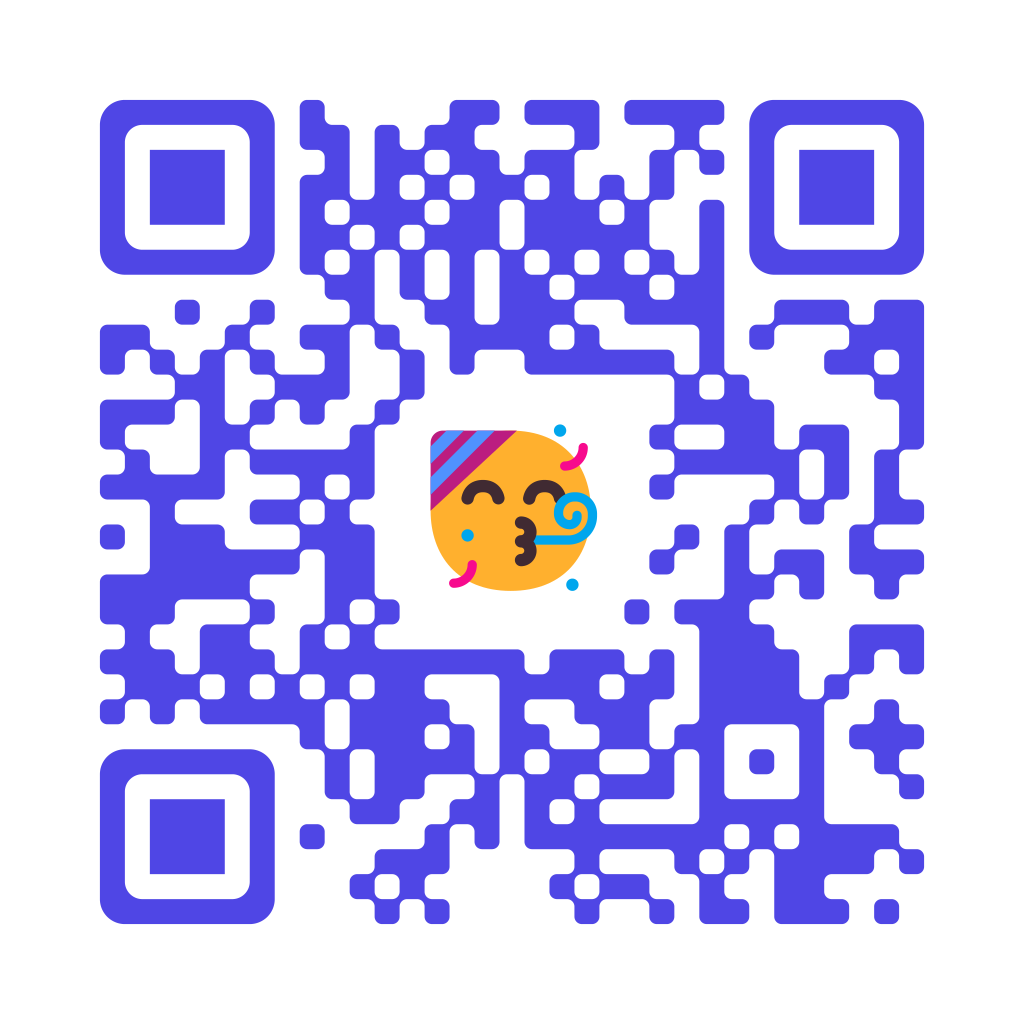
Event
RSVP to the party
-

Feedback
Tell us how we did
-
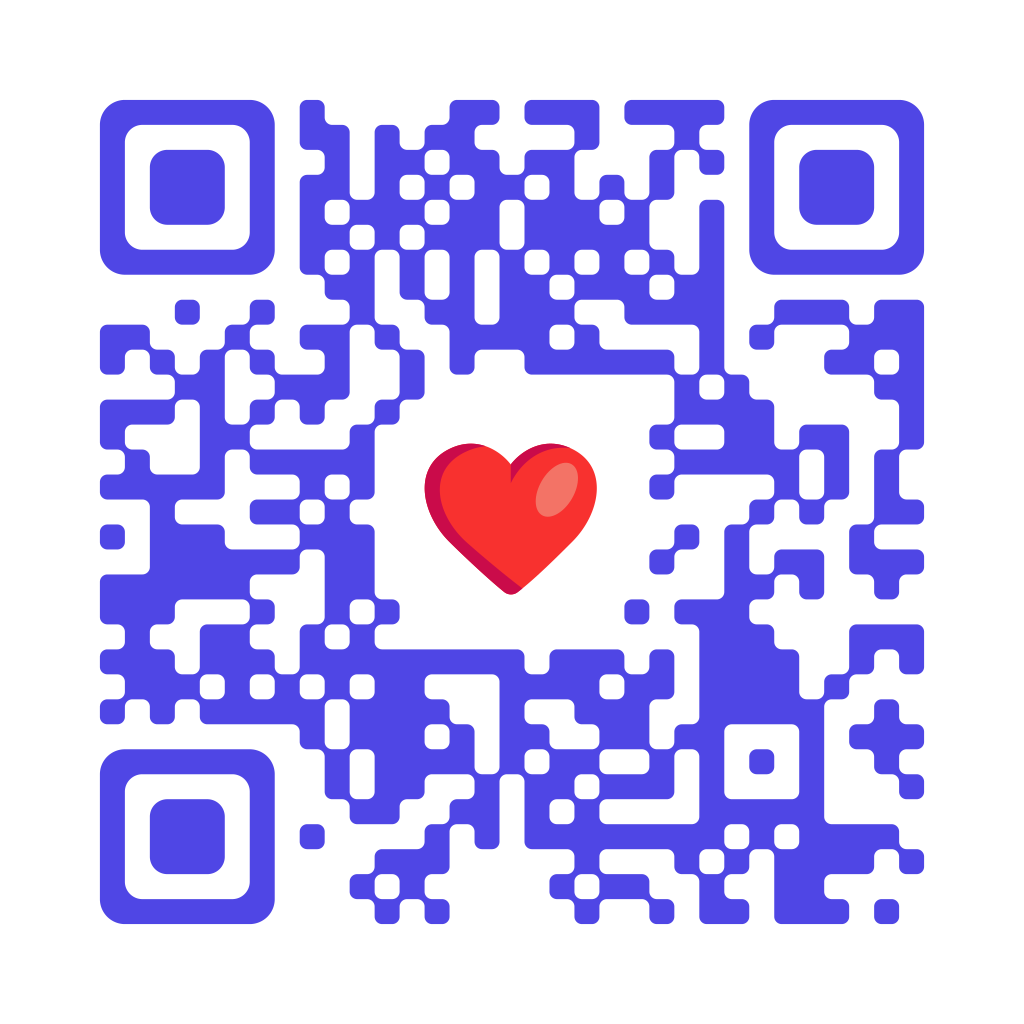
Social
Follow us
-

Newsletter
Join the mailing list
-

Packaging
Track your parcel
Vector emoji, not a pasted bitmap
In an SVG download, the emoji remains vector artwork inside the QR code. It stays sharp when scaled for labels, menus, posters, signs, packaging, and professional design layouts.
SVG or PNG?
Choose SVG for artwork that stays sharp when resized. Choose PNG when an application requires it or a fixed-size image is needed. Try the SVG QR code generator.